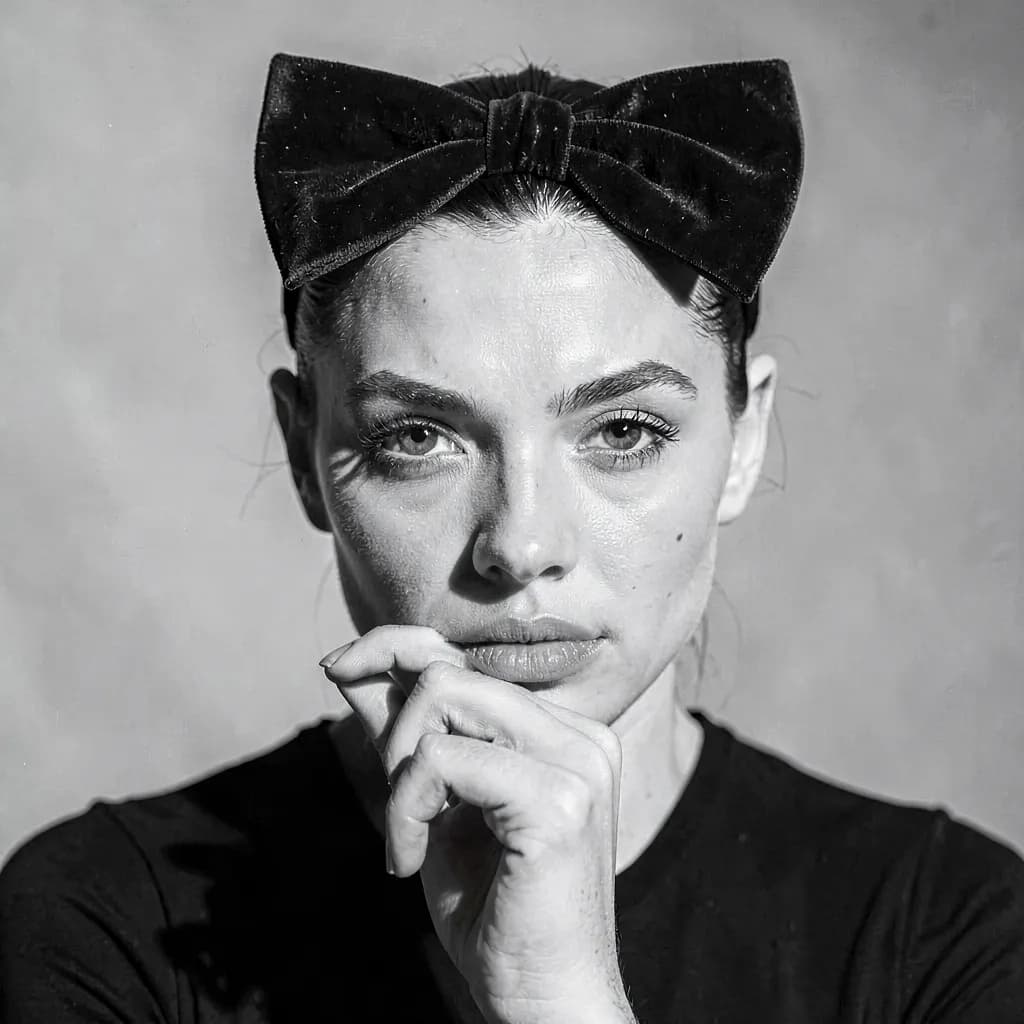
Profile photos and avatars
Discord, Slack, a messaging app, a podcast tile — the picture every account asks you for. One shoot covers all of them, and changing your mind later costs a few dollars rather than another booking.
AI photo sessions
Generate professional photos using AI-powered models trained on your photos.
From $0.10 / photo
Up to 32 photos a shoot
512–2048 px
Where they end up
One generation makes up to 32 photos, and every one of them is yours to use — including commercially. Here is where they go.
Discord, Slack, a messaging app, a podcast tile — the picture every account asks you for. One shoot covers all of them, and changing your mind later costs a few dollars rather than another booking.
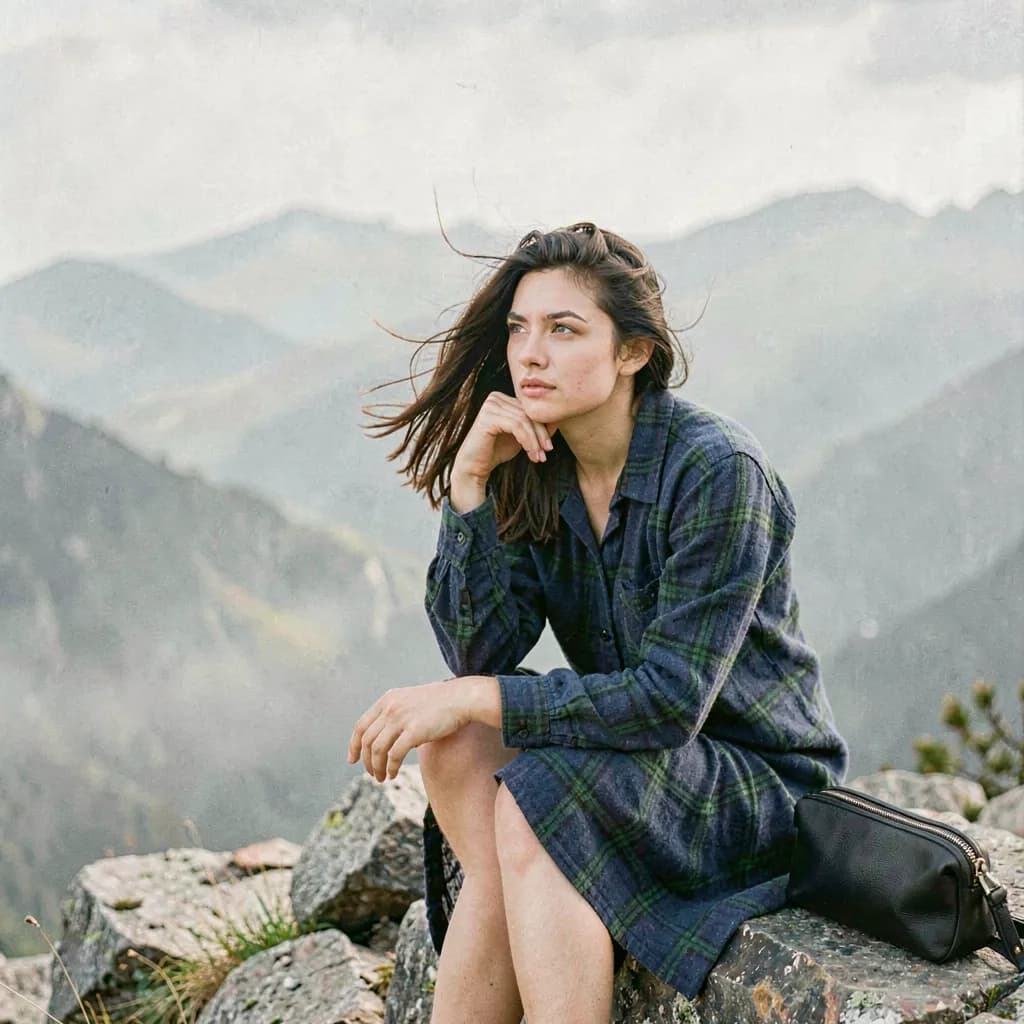
A single generation makes up to 32 photos. A month of feed can come out of one sitting rather than one afternoon and a photographer.
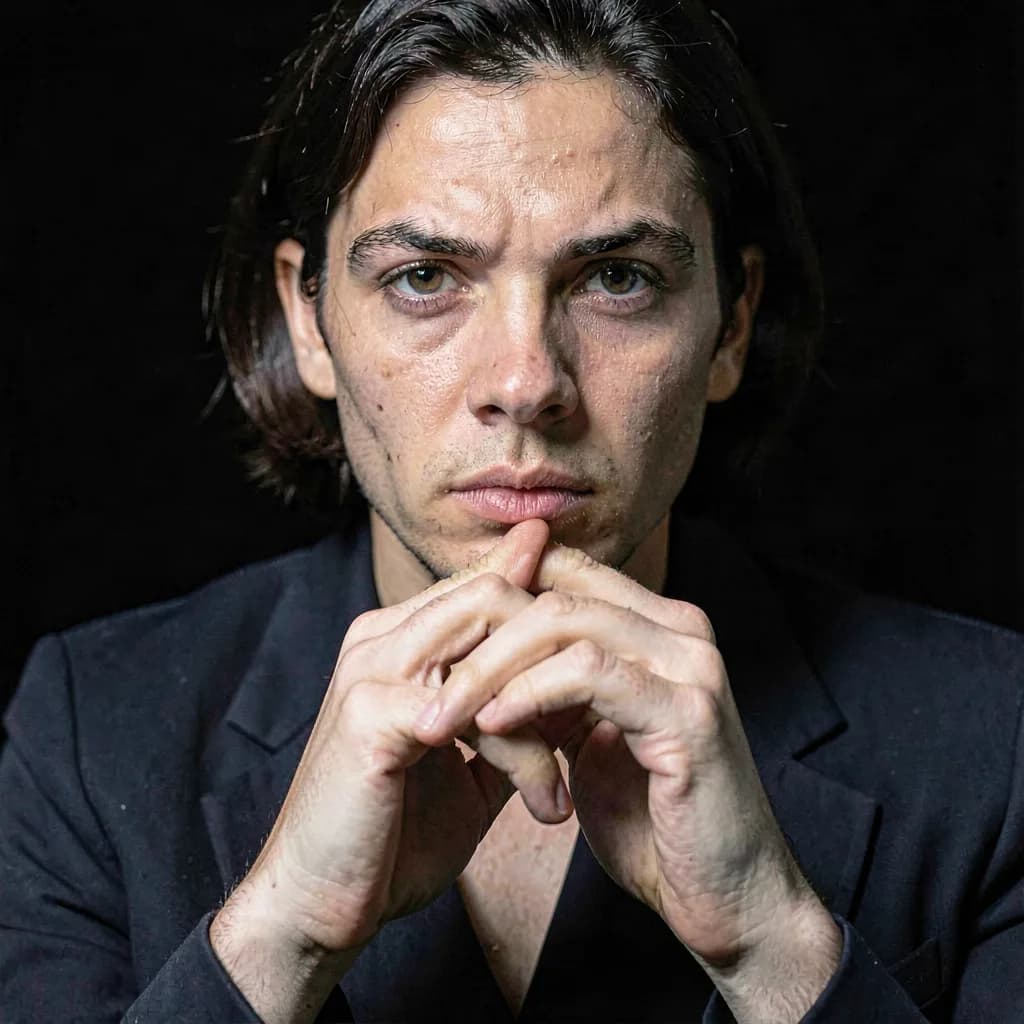
A tailored studio portrait against a plain backdrop, for LinkedIn, a company team page, a conference speaker profile, or a CV. The kind of photo everybody needs and nobody has a current one of.
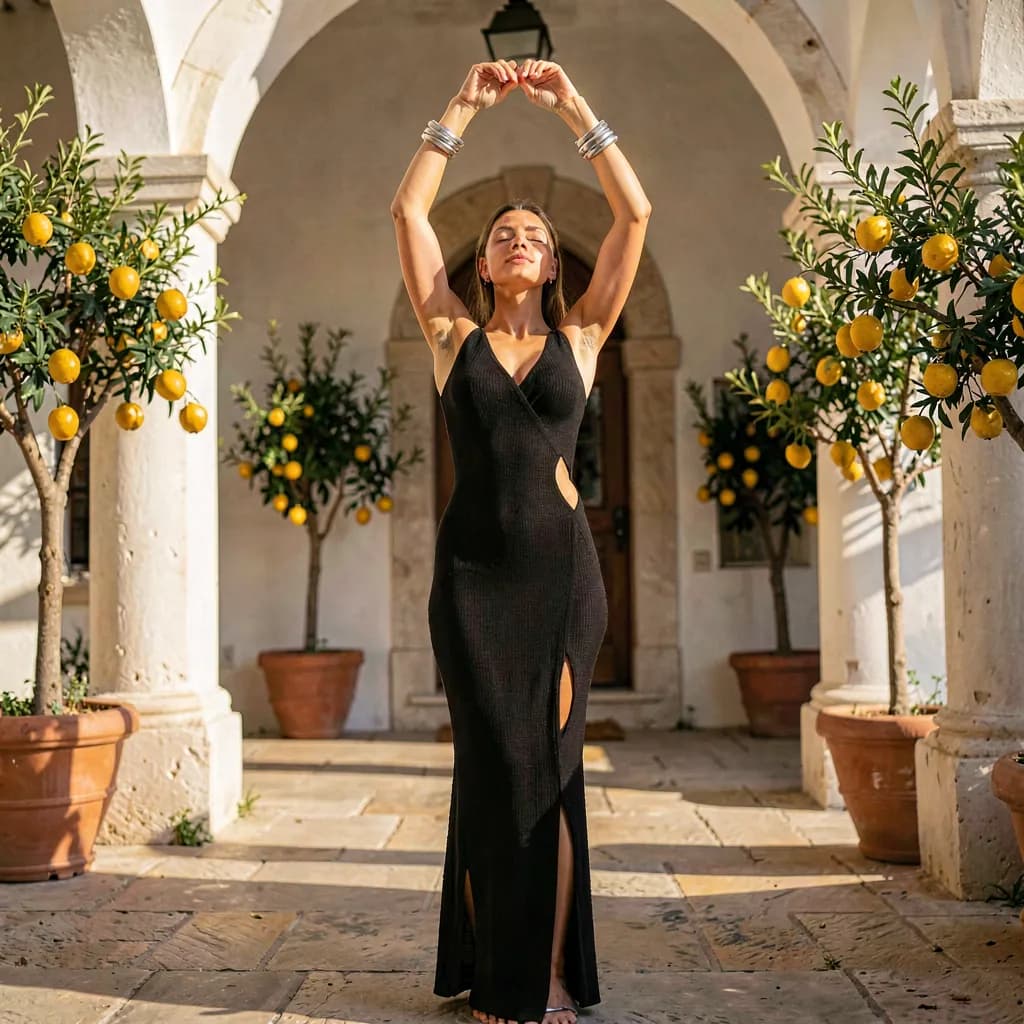
Twelve templates cover studio, editorial, coastal, and catalog looks. If you model, or sell what you wear, that is a different shoot per template.
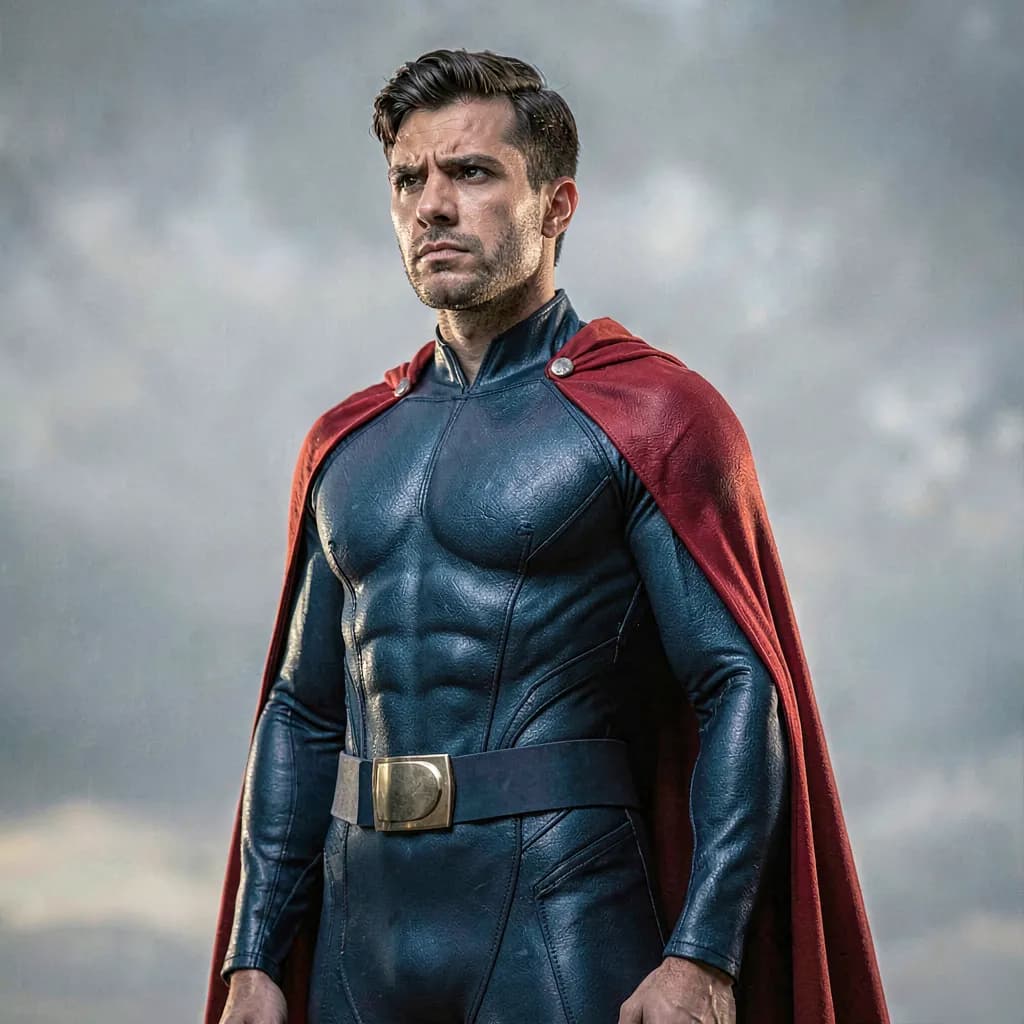
Not every photo has to be of your working self. Couture, fantasy, comic-book hero — the catalog goes there too, and so does a gift or a print for a wall.
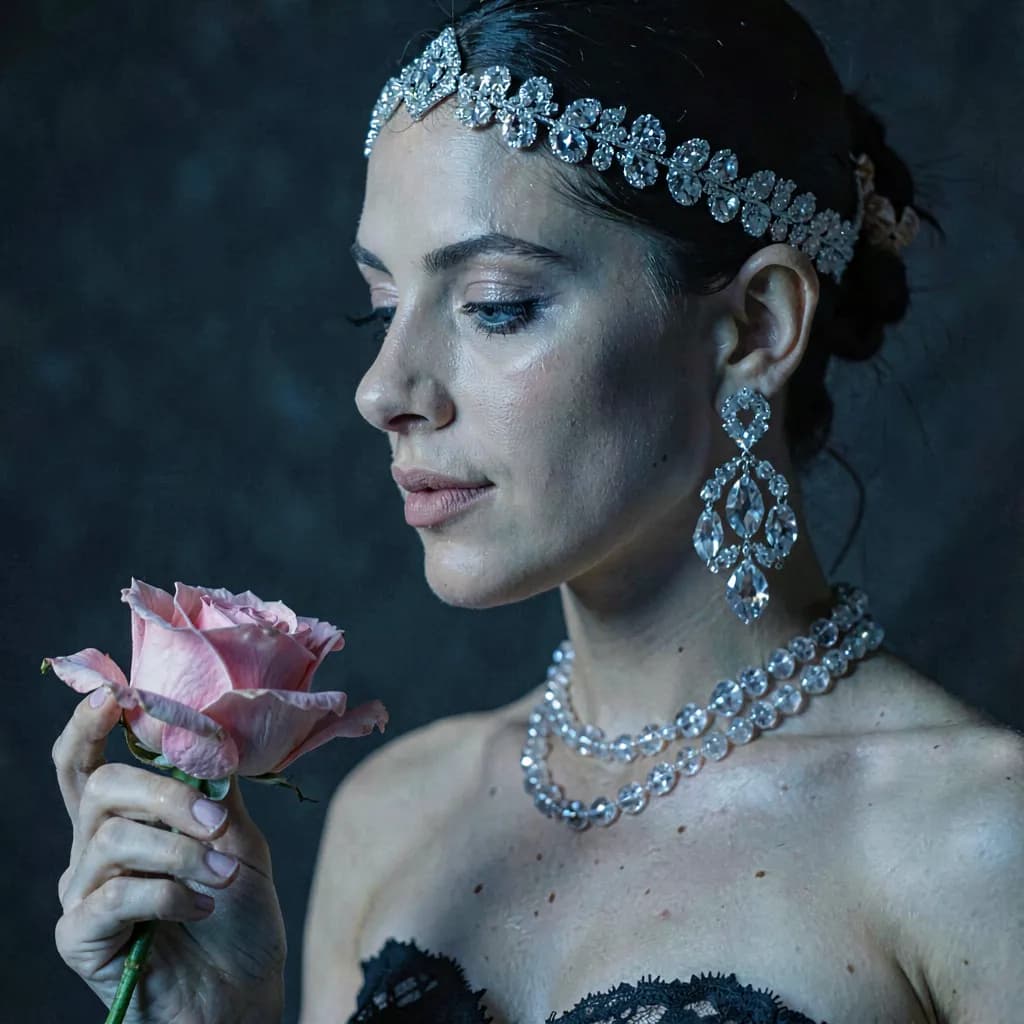
Train a person at High and their photos come out at 2048 px — enough for a sharp print about six inches across at 300 dpi, and enough to crop into. Basic is for screens. Pick the tier for where the photo ends up.
Generated images are yours to use, commercially included. They are also synthetic, and the Terms of Use are specific about the limit: never as documentary evidence, never as identification, never as journalism — so no identity documents and no verification photos. And our permission is not the depicted person's permission.
How it works
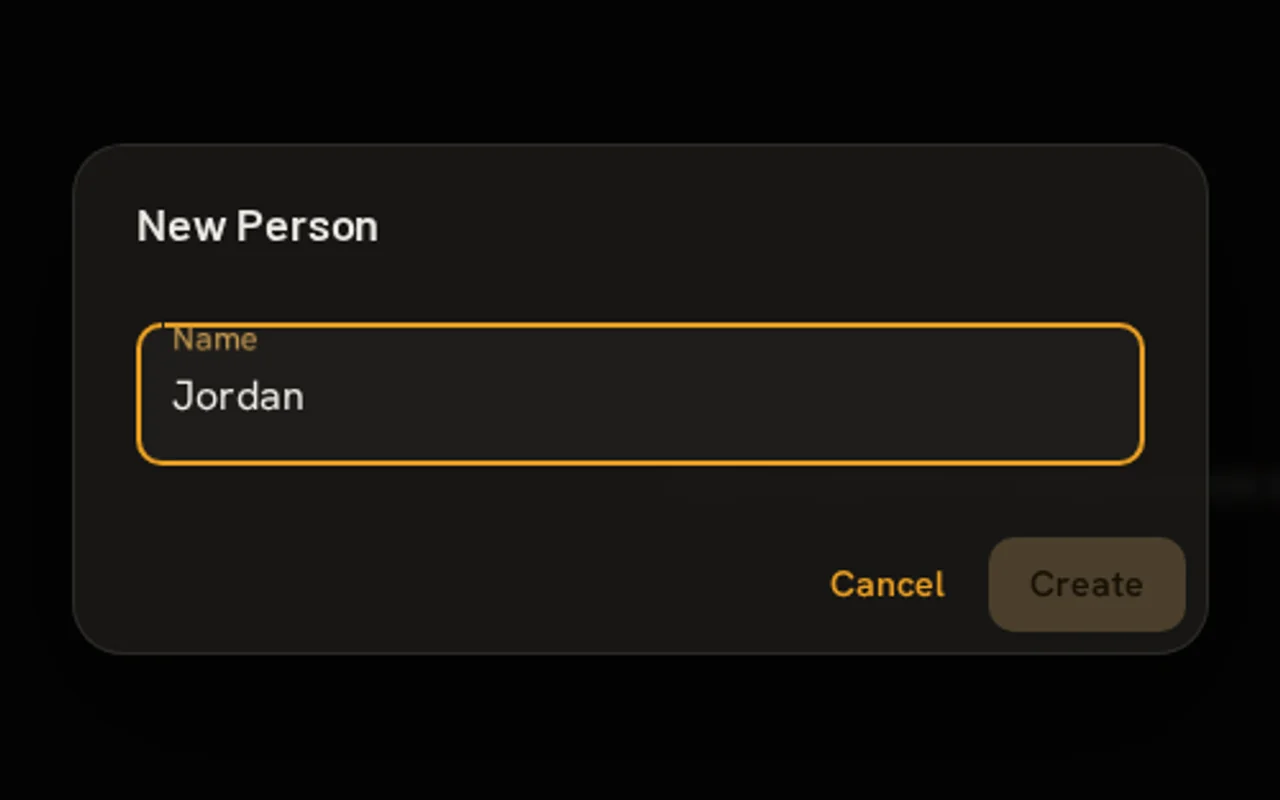
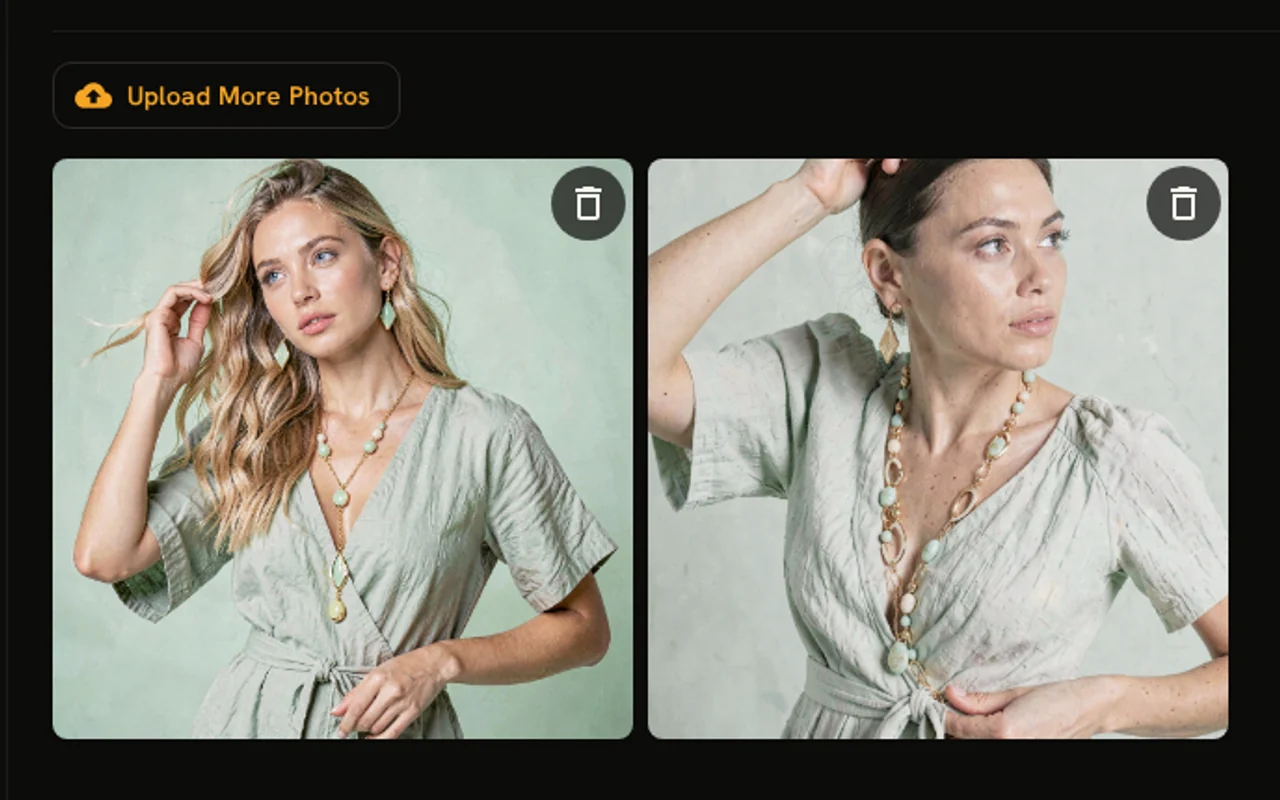
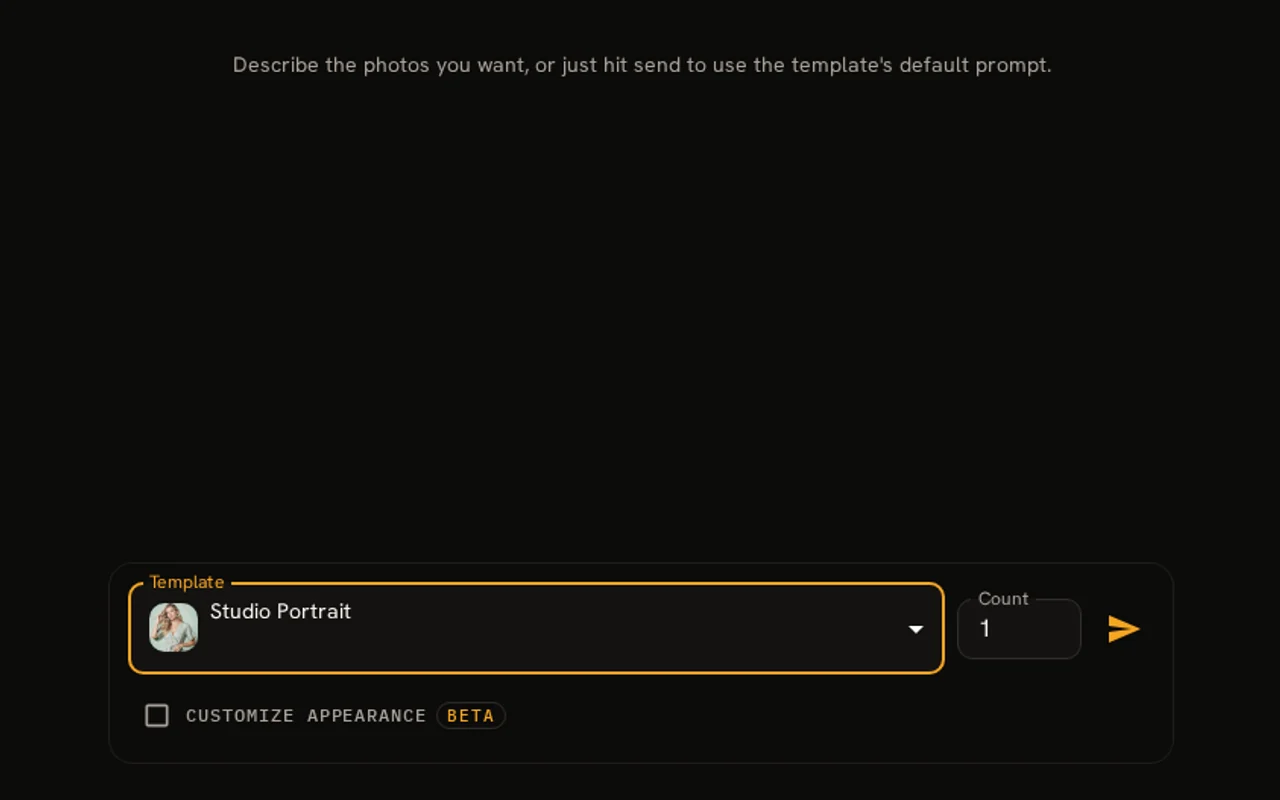
AI model training happens once. Then, every shoot is a click of a button.
Step 1
Step 2
Step 3
Step 4
Templates
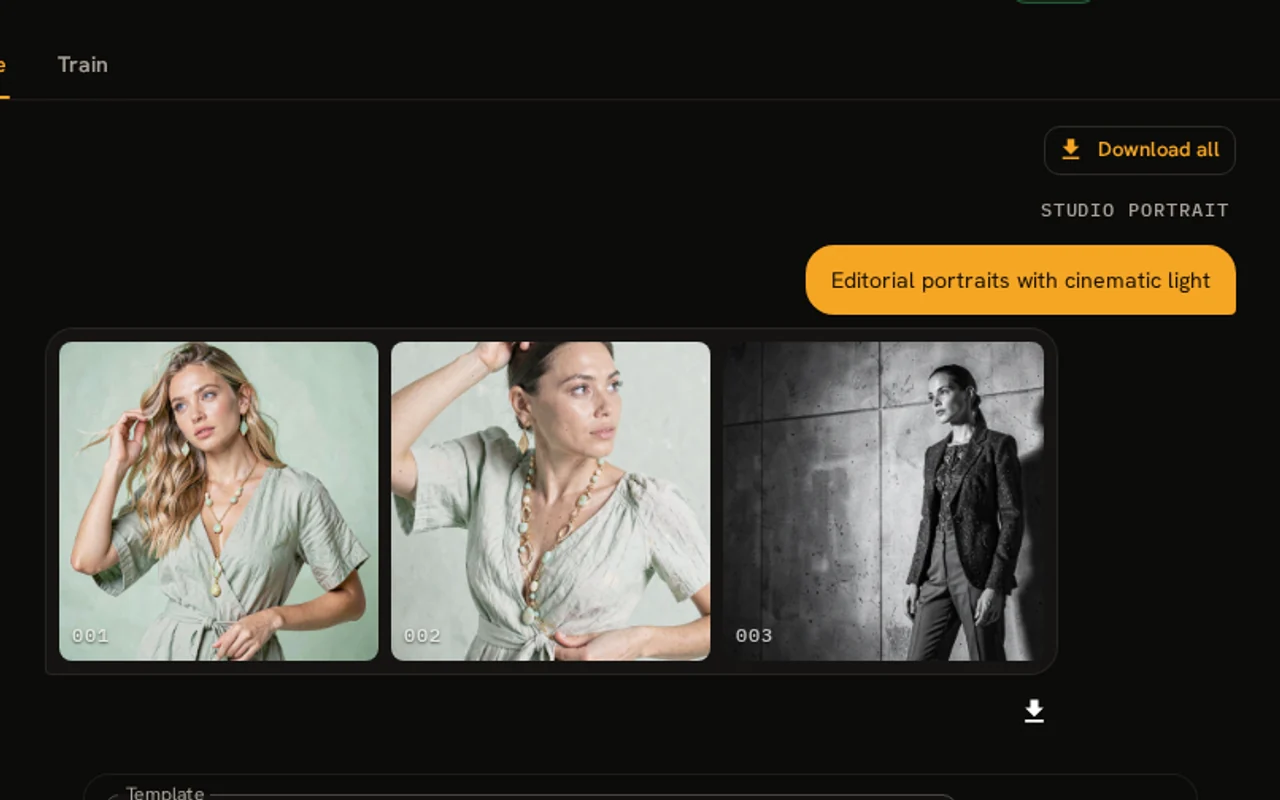
A template carries the whole shoot — wardrobe, lighting, backdrop, framing. There is no prompt to write.
01
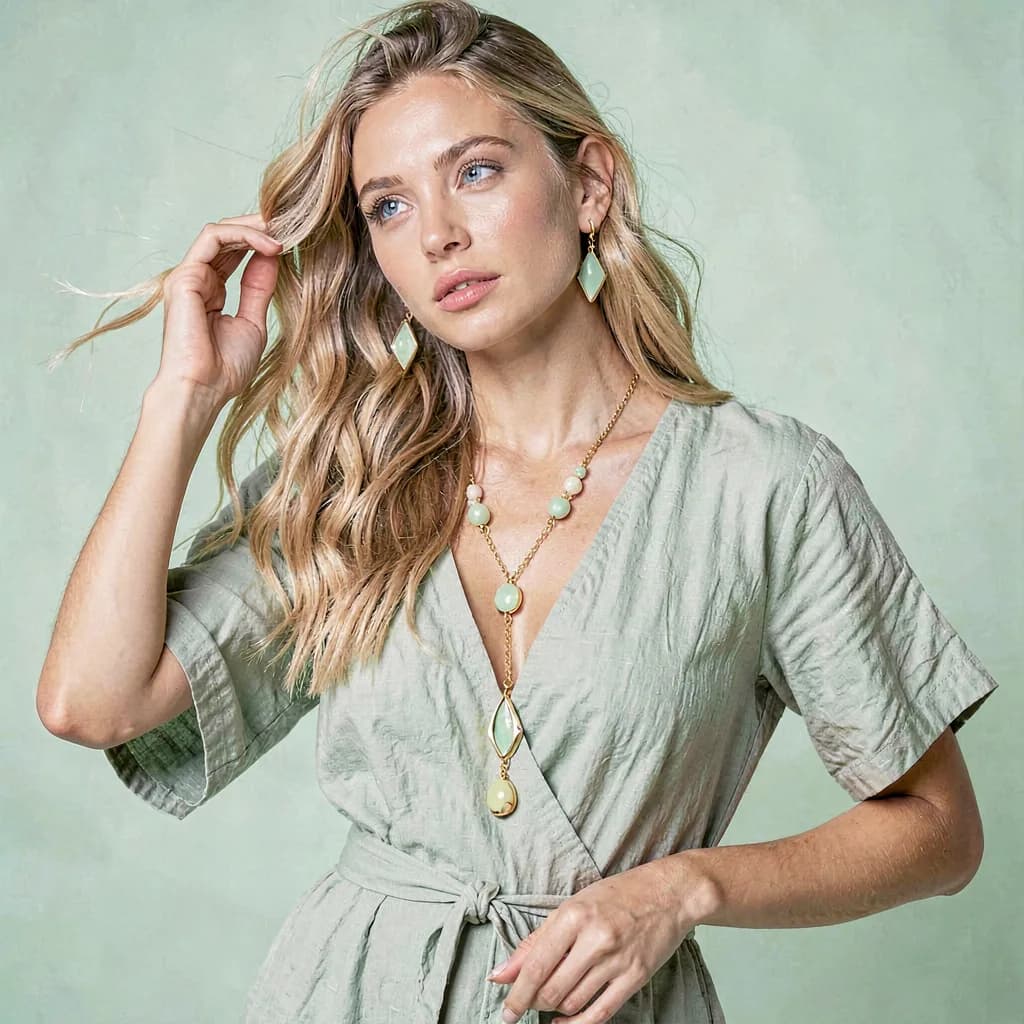
Bright, airy fashion e-commerce portrait with a mint wrap dress, coordinated jewelry, and a seamless mint studio backdrop.
$0.10 – $0.40 / photo
02
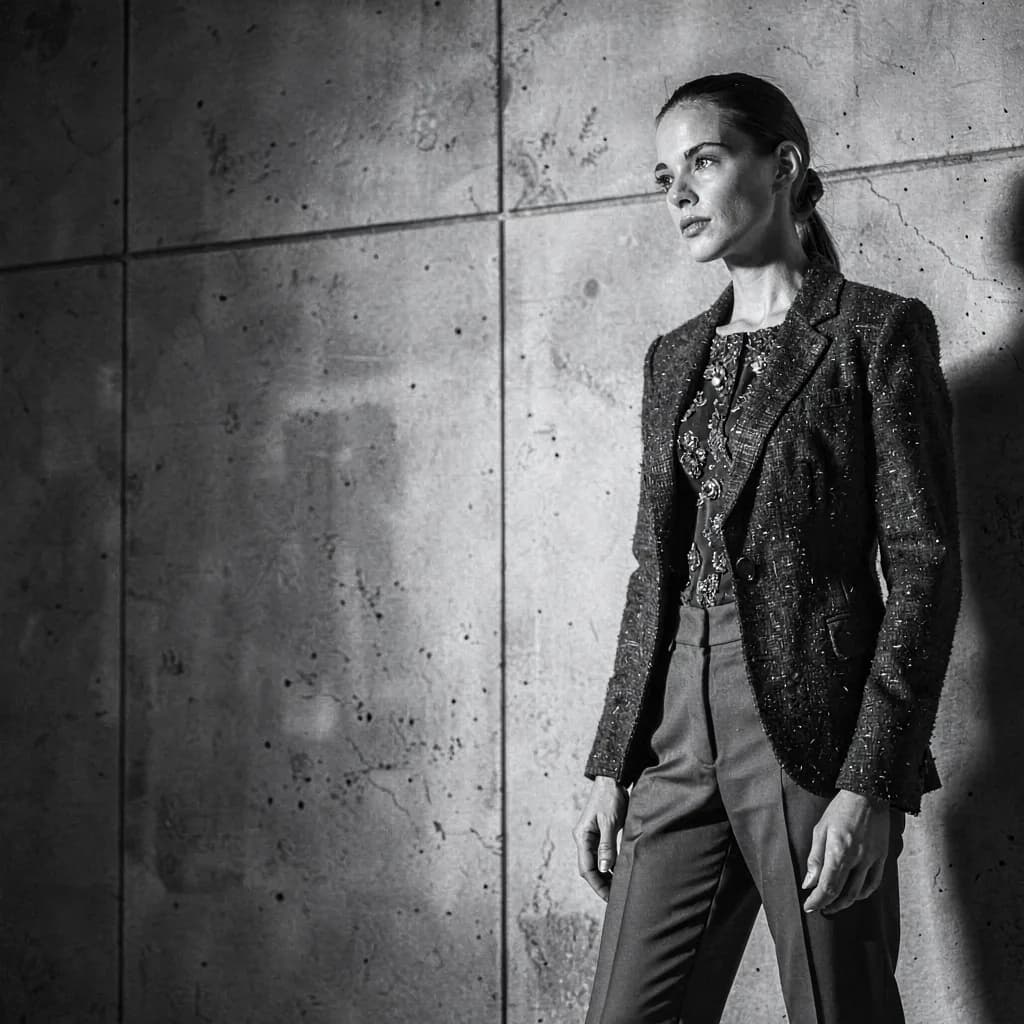
A dramatic black-and-white editorial portrait with hard side lighting, strong negative space, textured tailoring, and a minimalist concrete backdrop.
$0.10 – $0.40 / photo
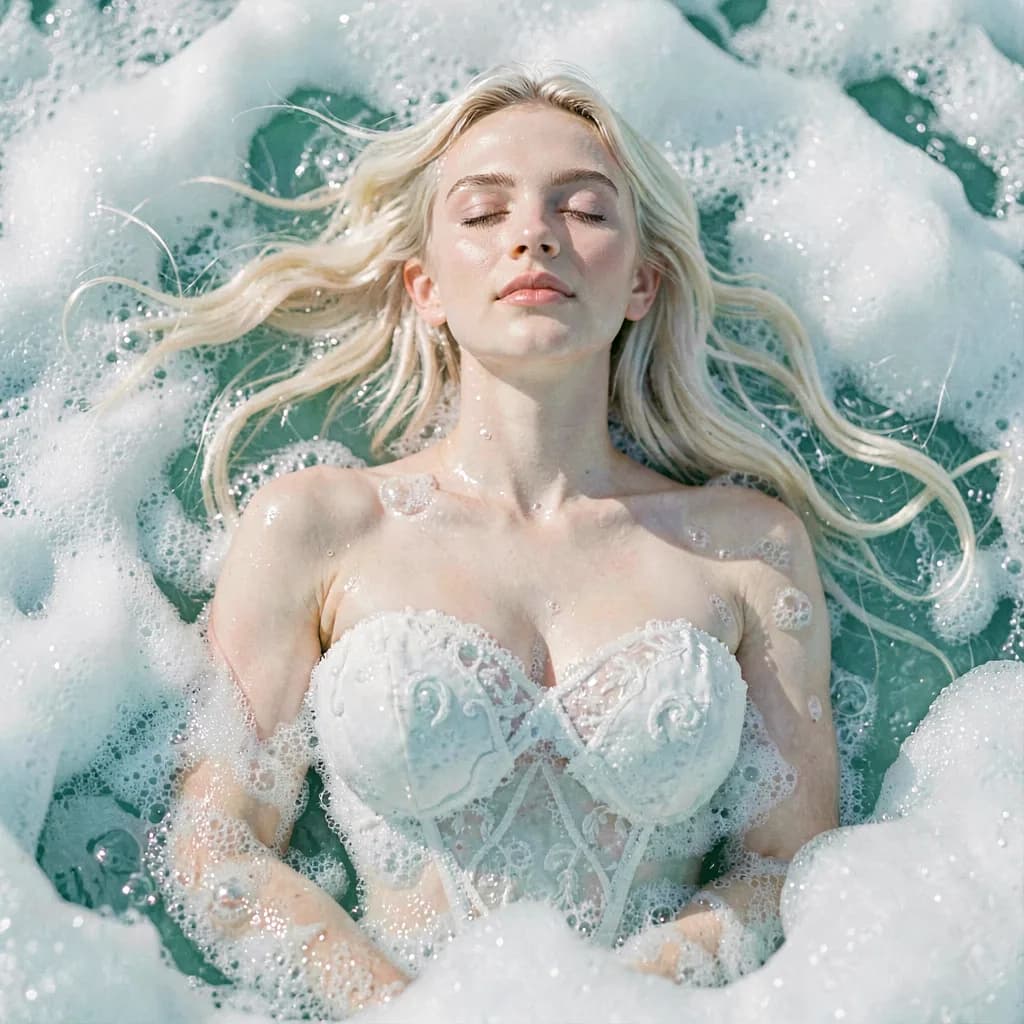
03
Ethereal high-fashion portrait emerging from turquoise ocean foam, in a sculpted sea-foam couture gown under soft pearlescent light.
$0.10 – $0.40 / photo
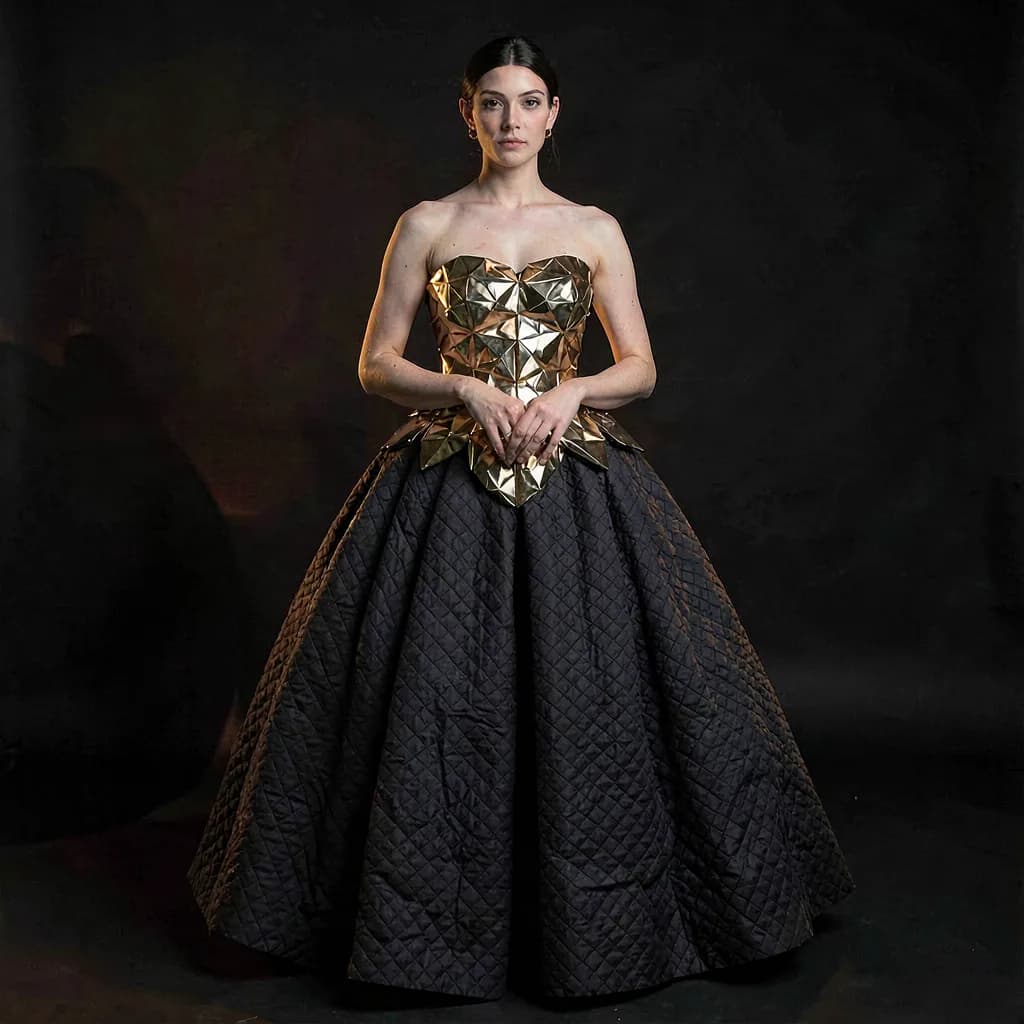
04
Dramatic avant-garde couture look: a faceted metallic gold bodice over a voluminous dark ball skirt, lit in moody low-key studio lighting.
$0.10 – $0.40 / photo
05
An intense close-up studio headshot with steepled hands in thought against a dramatic black backdrop.
$0.10 – $0.40 / photo
Every template also has an optional appearance layer — style, skin, hair and clothes — which is still in beta and off by default. Leave it alone and the template's own look is what you get.
Your photos
A photo of someone's face, trained into a model that can reproduce them, is biometric data. That is the standard this product is built to, and every claim below is one you can hold us to.
Each person you train gets their own model adapter, trained for you. Your photos are never used to train shared, general, or public models, never used to improve the service for anyone else, and never sold or licensed.
Training photos, models, and generated photos are stored privately and served only via signed links that expire after an hour — there is no public address for any of them.
Photos of a face trained into a model are biometric data under the GDPR, so consent has to be explicit. You accept the terms once for your account, and confirm separately, for every person you train, that you have their agreement.
Deleting a person removes their uploaded photos, their generated photos, and the trained model itself, permanently. You can also download every photo you have made, one at a time or all at once.
The detail behind all of this is in the Privacy Policy and the Terms of Use.
Pricing
One credit is one dollar. Train a person once, then pay per photo. No subscription, and credits do not expire.
$1.00
to train
512 × 512 output
The fastest, most economical option for compact digital images.
Then $0.10 / photo
Default
$2.00
to train
1024 × 1024 output
A balanced default with more facial, fabric, and background detail.
Then $0.20 / photo
$4.00
to train
2048 × 2048 output
The highest-detail option for images that will be printed, cropped, or closely inspected.
Then $0.40 / photo
A Standard-trained person plus a sixteen-photo shoot comes to $5.20.
Upload a set of photos, pick a training tier, and see what a model of your own face can do. The first shoot costs a few dollars.
Open the studioQuestions first? Support covers how many photos to upload, what it costs, and how to delete anything you change your mind about.